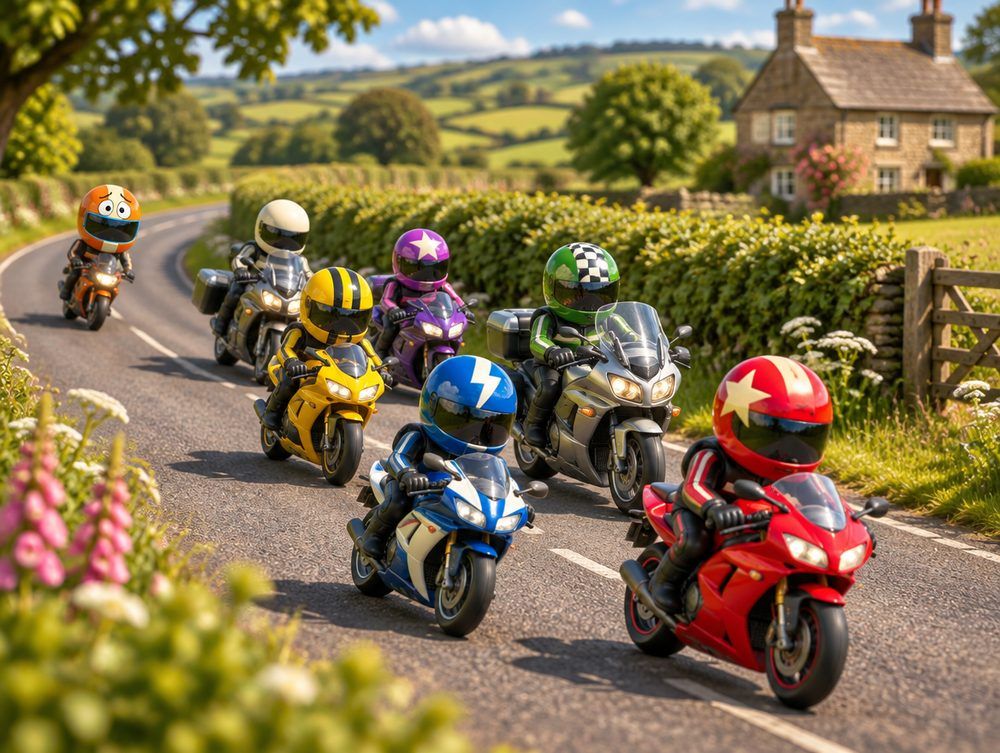
 Placeholder: the film goes here

Every ride has a Nige. Now he’s never lost.
Where’s Nige? puts your whole group on one live map, gives everyone the same sat-nav in their helmet, and keeps an eye on whoever’s at the back. Ride your own ride: the group waits for you.
Coming spring 2027 · iPhone and Android · Motorbike and cycling groups
Scroll to follow the route. You’re the blue dot, and Nige is just behind.
Turn-by-turn, in your helmet.


- Turn-by-turn, in your helmet
Directions along the route the leader planned, read out through your headset. The arrow is big enough to take in at a glance.
- Where the group is
One line about the whole group. If it stretches out, it names a stop ahead to regroup at.
- The leader’s route
It follows the roads. If the leader changes it, everyone’s sat-nav picks up the new one. Miss a turn and it finds a new way.
- Everyone on the ride
Each rider in their own helmet, so you can tell who’s who. You’re the blue dot.
- One-tap buttons
Voice on or off, the map’s look, and the whole route. Big round buttons, no typing.
- Miles to go
How far to the next stop or the destination, and roughly when you’ll get there.
Who’s where, in plain words.

 Everyone’s together.
- Today’s Nige
One line for the whole group: everyone’s together, or who’s furthest back. The rider at the back gets calm words instead of a gap.
- Who can see you
Always on show. Your position goes to this ride only, it’s wiped when the ride ends, and you can pause it any time.
- The stops
The planned stops in order, with the destination flag at the end. Riders can join at any of them.
- Who’s where
Plain words for each rider: with you, ahead, stopped for fuel, or when their signal was last seen.
- Messages in one tap
Wait for me, Stopping, Fuel, Puncture, All OK. Read out in everyone’s helmet, so nobody reads while riding.
- SOS
Hold for 10 seconds to alert everyone on the ride with your position. It doesn’t call 999 for you.
Be more like Nige.
Nige rides his own ride. He watches his speed and never chases the group, and they wait for him at the next stop.
Ride your own ride
Your pace, your lines. Nobody’s racing.
Watch your speed
There’s no prize for getting there first.
Don’t chase. Regroup.
Lost sight of the group? Pull over, message them, carry on to the next stop.
Nobody left behind
Whoever’s at the back has company. Nige sits with them.
Stop for a brew
A break every two hours, as the Highway Code says.
Everyone sees where the group is. The rider at the back gets calm words instead of a gap, because chasing to catch up is a known danger on group rides.
Sue is ½ mile behind.You’re Nige today. Ride your own ride: they’ll wait for you.Plan once. Join anywhere.
- Ride levels
Easy, Steady, Progressive or Challenging, described in words, never speeds, so new riders can pick the right ride.
- Join on the way
Join at the start or at any stop, with roughly when the group gets there.
- Still coming?
A nudge before the ride, so the leader knows who to wait for.
- The briefing
A ready-made message for the group chat: the stops, who’s leading, and the rules everyone forgets. “Lost? Pull over somewhere safe, message the group, then carry on to the next stop. Don’t chase.”
- For the people at home
Send a link so someone at home can watch the ride. Stop it whenever you like.
And your Garage: your bikes in one place, with reminders before the MOT, tax and insurance are due.
Questions, while you’re stopped.
Who can see where I am?
Only the riders on a ride you’ve joined, and only while it’s live. Your latest position is wiped when the ride ends, and you can pause sharing any time.
Does SOS call 999?
No. Holding SOS for 10 seconds alerts everyone on the ride with your position, and shows what to read out if you call 999.
What if I lose signal?
You stay on everyone’s map, with when you were last seen.
Is it for bicycles too?
Yes, for motorbike and cycling groups. Cycling rides can show the mph range clubs already use.
Does it work with my intercom?
Alerts are spoken through whatever headset your phone uses. A leader can add the group’s intercom QR code to a ride.
How much will it cost?
Placeholder: the answer goes here once prices are decided.
Will it flatten my battery?
Placeholder: the answer goes here once it’s been measured on real rides.
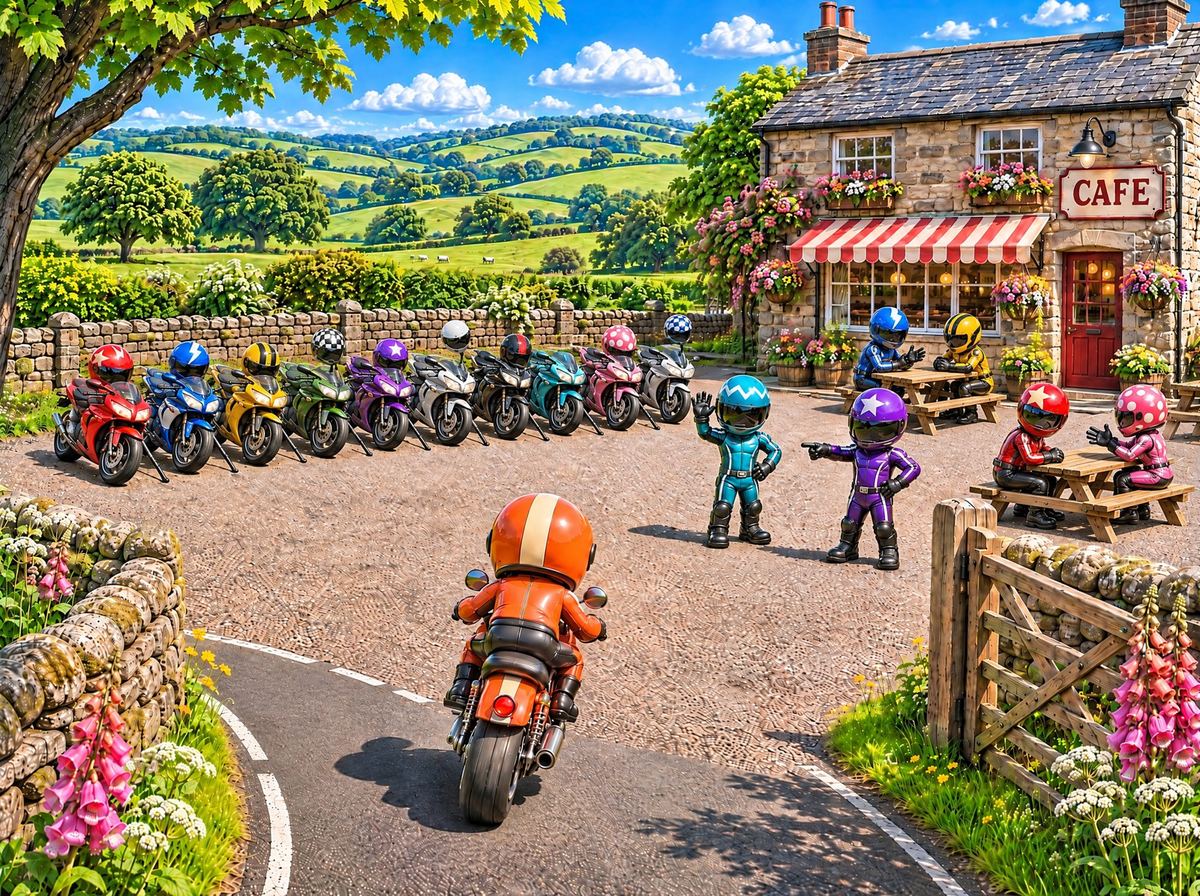
You’ve arrived. Everyone’s here.
- A café
- A viewpoint
- The coast
- A bike meet
- Home
The destination is wherever the leader sets it.
Run a club or a regular ride-out? We’re trying it out with a few riding groups before it opens to everyone. If you’d like yours to be one of them, email [email protected].